Wireless router to increase your home network
In today’s digital age, wireless routers are important to keep home networks sharp, stable and safe. Whether you work from home, watch your favourite program. Play online games or just surf the web. The right Wi-Fi routes can dramatically improve your internet experience.
This guide explains what wireless routers do, how they work. And what models can increase your home network in 2025?
What Are Wireless Routers and Why Do They Matter for Your Home Network
The Wi-Fi router is a device that connects your home to the Internet. And distributes signals to all your equipment in a wireless way. This means that the phone, laptop, smart-TV and tablet are connected without a cable. A good router does more than just share the internet. It ensures fast speed, stable connections and extensive coverage throughout the home. Upgrading to modern wireless routers is one of the most effective ways to boost your home network.
If you use an old or low-quality route, you may experience:
- Slow internet speeds
- Dead zones with no signal
- Frequent disconnections
- Weak security
These problems can be solved by upgrading your router. This is one of the most effective ways to market your digital performance at home.
Key Features to Look for in Wireless Routers for a Strong Home Network
Always choose a wireless router with the right mix of these features. To ensure strong performance in the home network. These features help you get the best out of the wireless router. And ensure your home network is fast and reliable.
- Wi-Fi standard: See the router with Wi-Fi 6 or Wi-Fi 6e for faster speed and better device management.
- Dual band or tri-band: These routers can manage many devices more efficiently. By dividing the signal into different frequencies.
- Coverage Area: Check the range. Some routers are good for small apartments. While others can cover large, multi-floor homes.
- Security Protocols: WPA3 encryption is the most secure. Always choose a router that supports it.
- Parental Controls and QoS: These features help you manage bandwidth. And control access to children or guests.
- Number of Ethernet Ports: For those who want wired connections for gaming or streaming.
Top Wireless Routers to Upgrade Your Home Network in 2025
Let’s find out some of the best routers available in 2025. That can upgrade your internet experience at home.
1. Asus RT-Ax88u Pro- A powerful wireless router for a fast, reliable home network
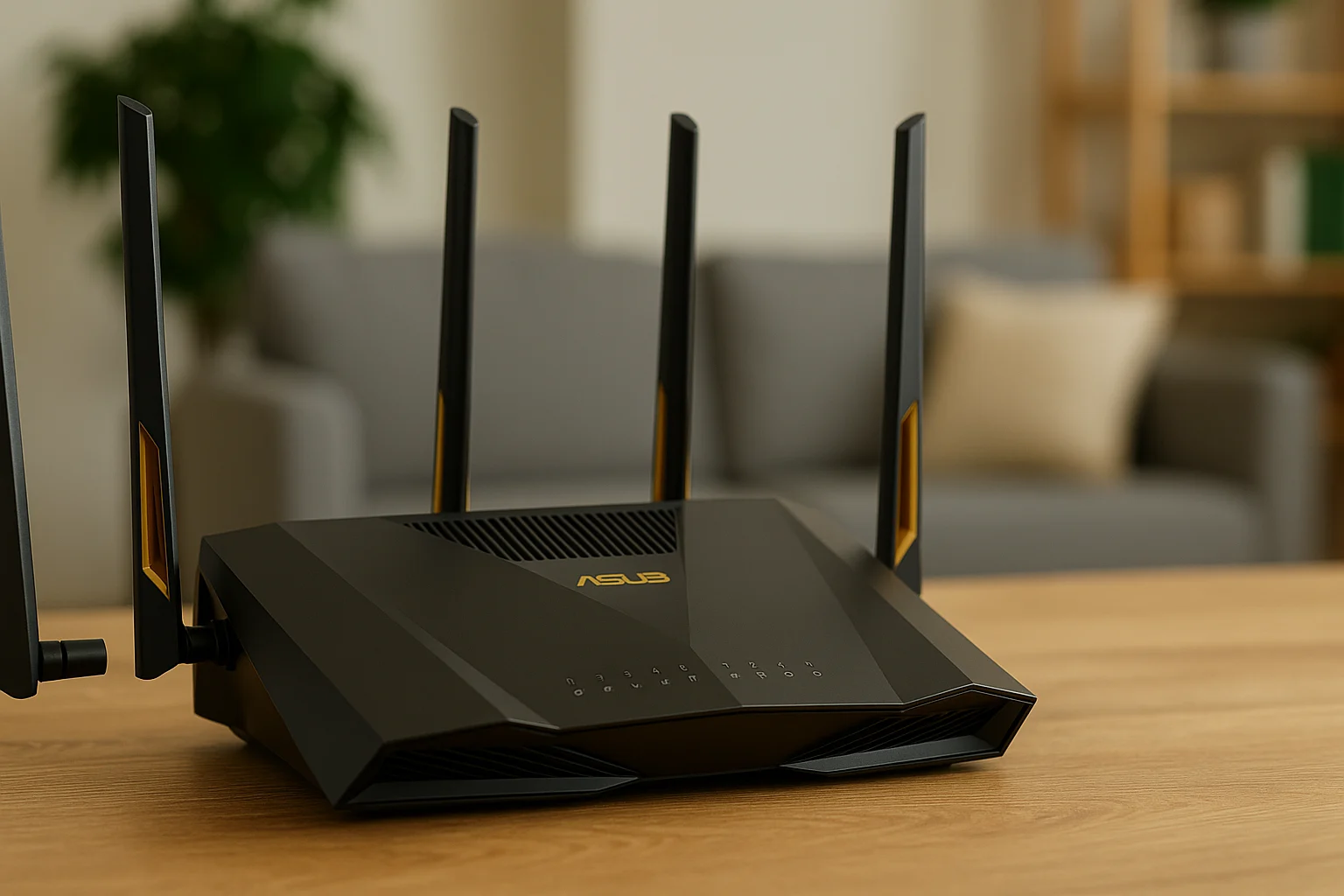
The Asus RT-AX88U Pro router offers fast, reliable Wi-Fi performance with sleek design and strong whole-home coverage.
If you are in the market for a top-level Wi-Fi-Fi router that provides severe speed and a stable connection, the Asus RT-Ax88u Pro is a strong challenger. It is designed for electric users who require a comfortable performance in all corners of the house.
Wi-Fi 6000 Mbps support at maximum speed
- Aimesh compatibility for wireless coverage with the full house
- Advanced parents for customised traffic management and QOS
- Strong security with AIProtection Pro from Trend Micro
Whether you work from home, play online or stream in 4K, this wireless router provides the reliability for you. This is especially good for many units and homes with high internet use. For those users who want reliable speed and coverage in the full home, the Asus RT-Ax88u Pro is a meaningful investment.
2. TP-Link Archer Ax11000- Best Wi-Fi Router for Games and High Speed Internet
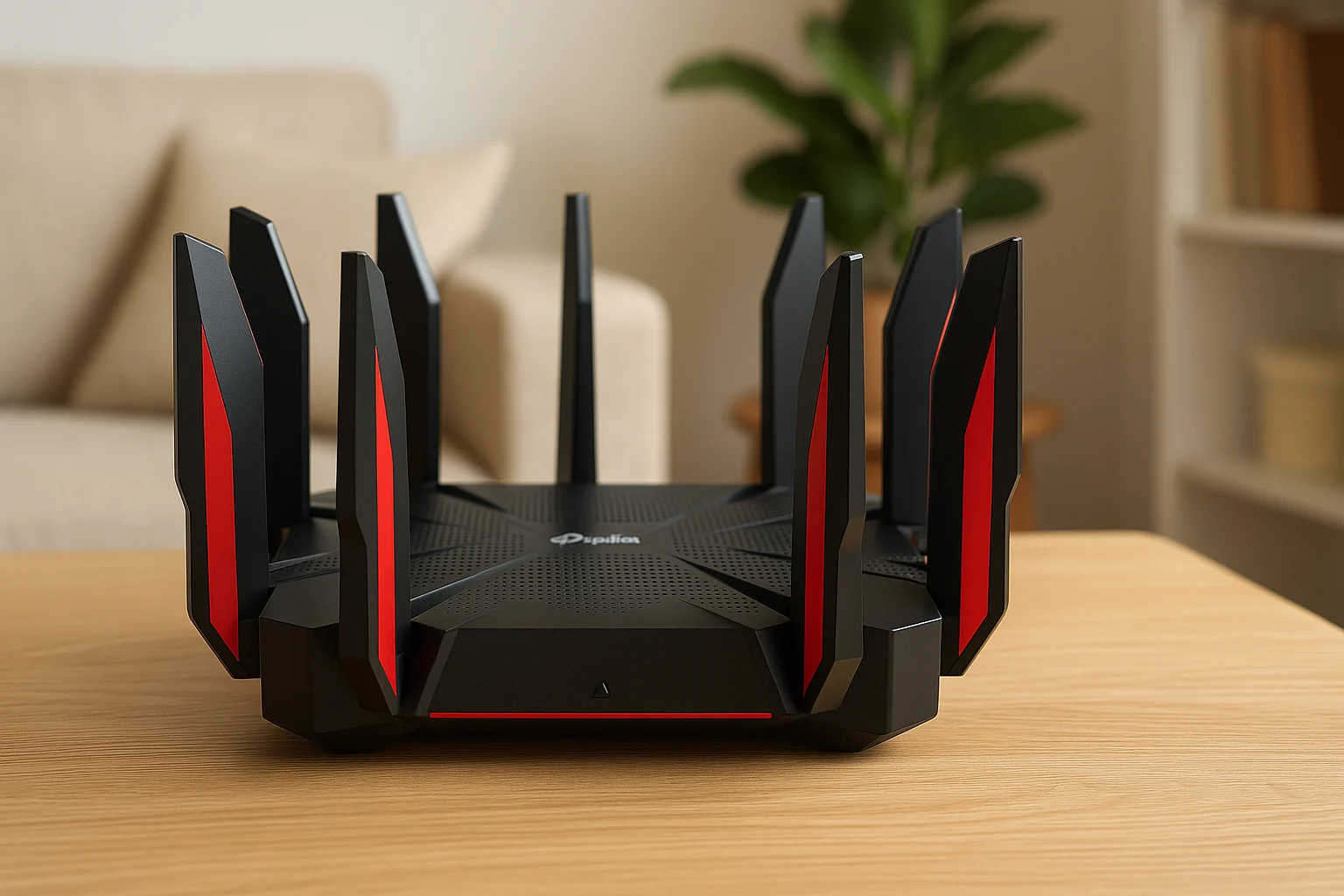
The TP-Link Archer AX11000 delivers blazing speed and advanced gaming features, built for power users and modern home networks.
If you are a player or power user who requires unbeatable speed and low delay, the TP-Link Archer AX11000 is designed for you. This wooden band animal combines the performance of the aristocratic class with top reliability, making it perfect for intensive online activity.
- 10.8 Gbps Tri-Band Wi-Fi for power
- To reduce gaming accelerator intervals and prefer game traffic
- 8 Gigabit LAN port for high-speed wired connection
- Protection of real-time danger with advanced network security
This wireless router is ideal for large homes with equipment and connected tools. Whether you play, flow or download large files, TP-Link Archer Ax11000 ensures that everything goes smoothly. This is one of the best Wi-Fi routes for users who refuse to agree with speed and stability.
3. Google Nest WiFi Pro – a trout route covering the entire home network

The Google Nest WiFi Pro blends style and simplicity while delivering strong mesh coverage throughout your home.
If you are looking for a user-friendly wireless router that is easily mixed in your smart home, Google Nest WiFi Pro is a solid option. It is designed for modern homes and offers wide coverage, easy control and easy layout.
Wi-Fi 6E technology quickly distributes more reliable connections
- 3 units cover up to 6600 square meters of the network system
- Originally integrates with Google Assistant and smart devices
- Automatic update for better security and performance
This Aries router is ideal for users who want to continuously access the Internet without handling technical settings. Whether you manage smart lights, video calls or 4K streaming, Google Nest WiFi Pro keeps your entire home network strong, stable and ready for the future.
4. Netgear Nighthawk RAXE500 – A Premium Wi-Fi Router for Smart Homes and Streaming
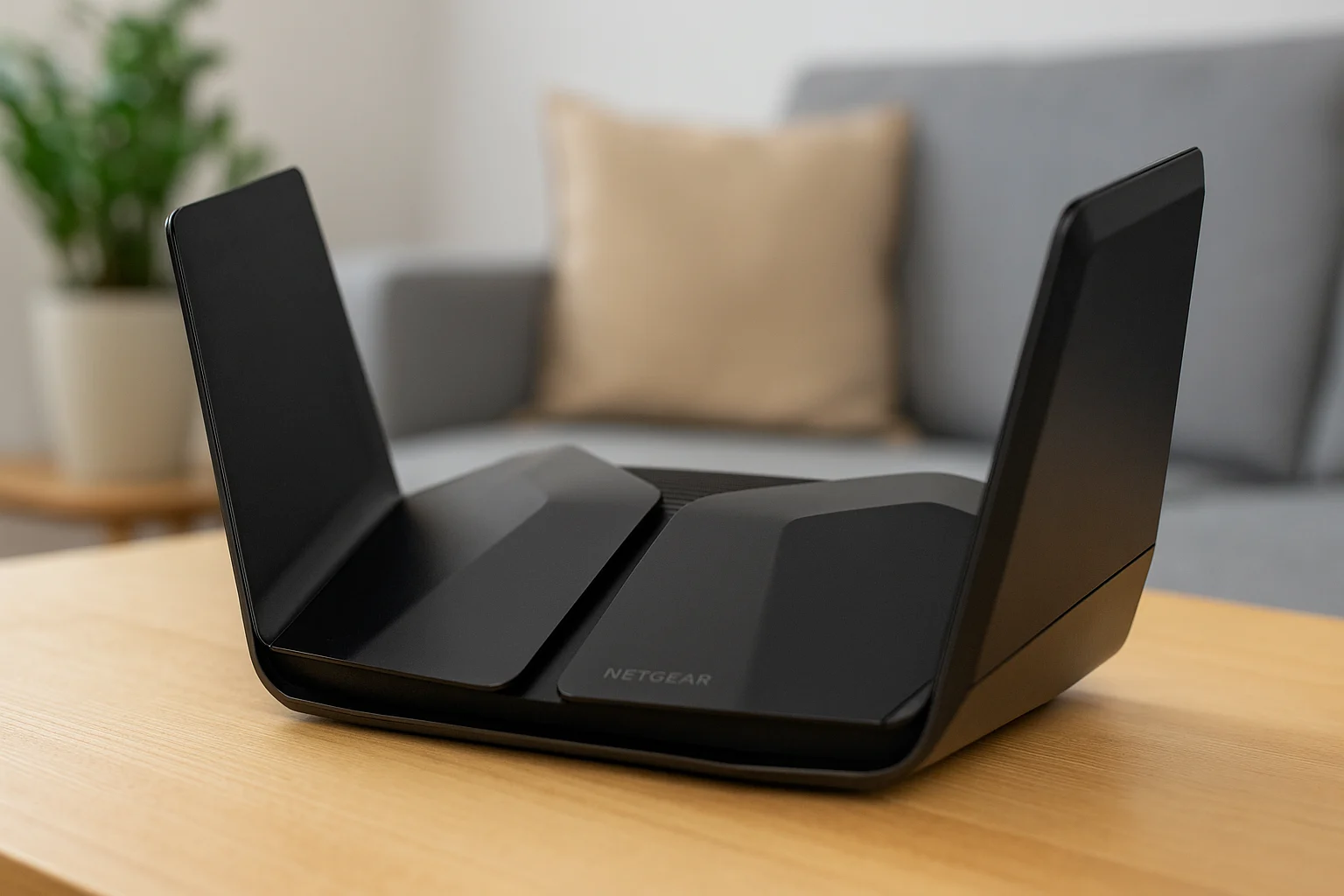
The Netgear Nighthawk RAXE500 offers premium performance and sleek design, perfect for smart homes and heavy streaming.
There is a need for a powerful router that can handle many devices and higher streaming? The Netgear Nightock Raxe500 is designed for modern smart homes that depend on a strong, uninterrupted connection.
- Tri-band router with Wi-Fi 6E support
- Supports over 60 devices
- USB 3.0 ports for media sharing
- Custom dashboard via the Nighthawk app
From 4K movie nights to running dozens of smart things, this wireless router does not miss a beat. The Netgear Nightock Raxe500 is perfect for homes that want premium performance and extensive coverage without compromising speed or stability.
5. Eero Pro 6E – A User-Friendly Mesh Wi-Fi Router for Large Home Networks

The Eero Pro 6E router blends seamlessly into home spaces while delivering powerful whole-home Wi-Fi coverage.
If you are looking for an Aries Wi-Fi solution that is easy to use to cover large places and is created, Eero Pro 6e stands out. This router offers excellent coverage, smooth integration with smart devices and a stress-free setup process.
- Wi-Fi 6E for better performance
- Works with Alexa and smart home gear
- Easy setup through a mobile app
- Expands easily with additional Eero nodes
Whether you live in a multi-level house or a large apartment, this web route continuously provides the internet in each room. Eero Pro 6e is a great option for families and tenants who want free speed, coverage and control of the home network.
How to Set Up a Wireless Router for Optimal Home Network Performance
Getting your new router up and running is usually simple. Setting up your wireless router properly helps your home network perform at its best. Here is a step-by-step guide:
- Disconnect your old router and modem.
- Connect your modem to the new router’s WAN port using an Ethernet cable.
- Plug into the router and wait for power on.
- Follow the setup instructions using the brand’s app or web dashboard.
- Rename your network and set a strong password.
- Update the firmware to ensure security and performance.
- Place the router in a central location for better signal coverage.
If you have a mesh system, follow the same steps for the main router. Then, place satellites around your home and follow the pairing instructions.
Why SupplyUSA Is Your Trusted Source for Wireless Router Reviews and Comparisons
When it comes to buying the best wireless routers, trust matters. At SupplyUSALLC, we offer honest reviews, expert insights, and real-world testing. We don’t push gimmicks or sponsored hype. We give you what means some speed, price, performance and security.
Whether you’re searching for wireless routers, mesh systems. Or Wi-Fi router reviews, SupplyUSALLC offers the most reliable comparisons.
Our review breaks you all the things you should know. From features to setup, we help you create the best option for your home. With updated comparison, a supportive guide and customer content. We are your reliable source for smart technological decisions.
Benefits and resistance from modern wireless routers
Overall, a solid wireless router improves speed, stability. And connectivity across your home network. Here’s a quick look at what you gain—and what to consider.
Advantages
- No messy cables
- Multiple device support
- Remote access and controls
- Wide range and flexibility
Disadvantages
- Can be affected by walls or interference
- Requires occasional updates
- Mesh systems may cost more
Frequently Asked Questions About Wireless Routers and Home Wi-Fi routers Setup
1. How often should I change my wireless router? Most routers are 3-5 years old. If you encounter slow speed, closed signals. Or if it lacks modern features like Wi-Fi 6, you should upgrade soon.
2. What is the difference between a modem and a router? A modem connects you to the Internet. A router distributes the internet connection to your devices. Many providers offer combo devices.
3. Can a better router improve my internet speed? Yes, especially if your old router is outdated. A new router won’t change your ISP speed, but it will boost performance across devices.
4. Do I need a mesh router? If your home has multiple floors or thick walls. A mesh router offers strong coverage across your home network.
5. Are the Wi-Fi 6 routers worth it? Absolutely. Wi-Fi 6 improves the speed. Range and handling of multiple units simultaneously for modern homes.
Choosing the Right Wireless Router to Boost Your Home Network
A powerful wireless router is one of the best technological upgrades for your home. Whether you work at a distance, make online games or work nonstop. The right router keeps you connected and despair-free. With so many excellent options on the market. Asus RT-Ax88u, Google Nest WiFi Pro and TP-Link Ax11000. You will find that they meet your location and needs.
And for expert, honest reviews, SupplyUSA has you covered. Helping you make the smartest tech purchases every time.