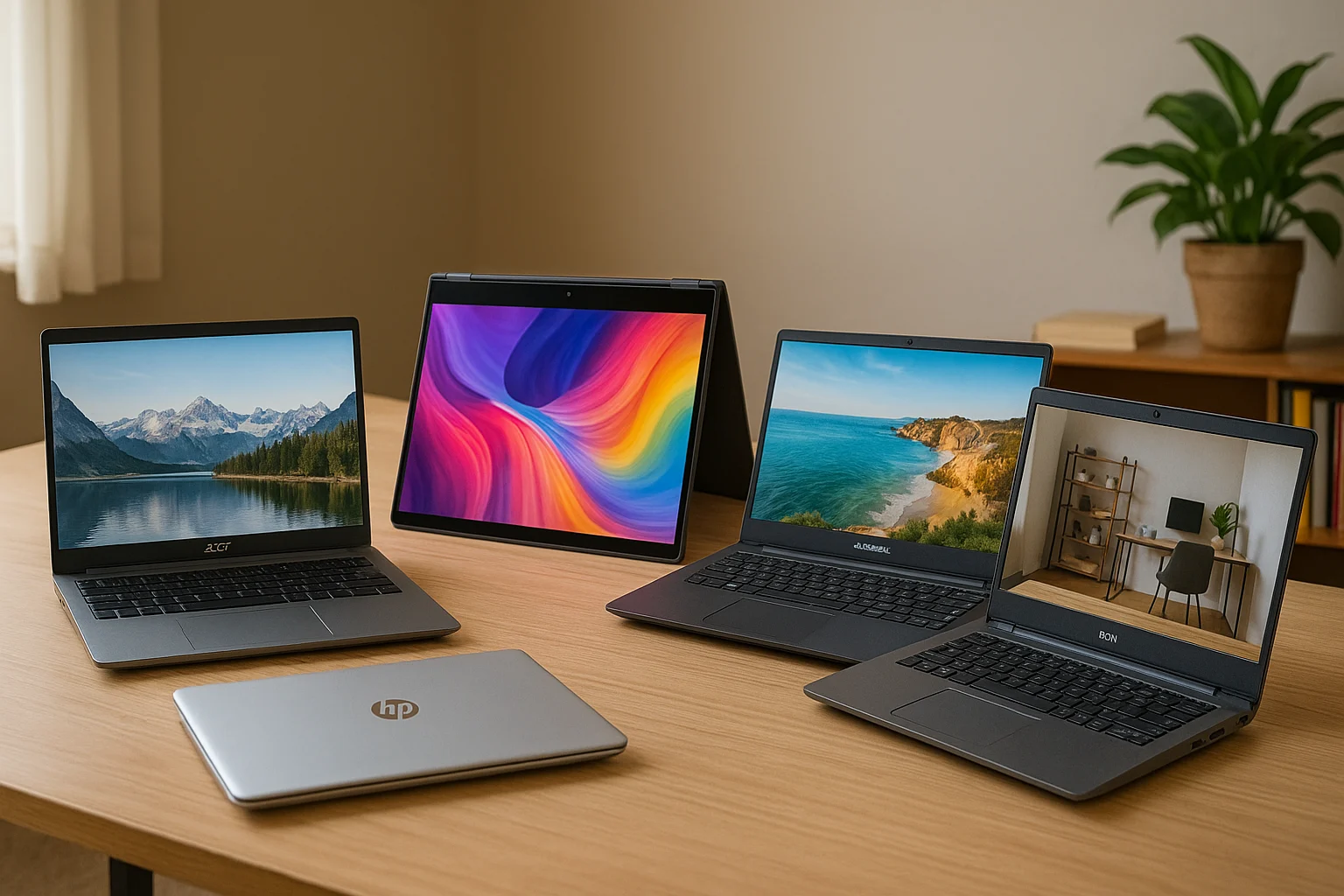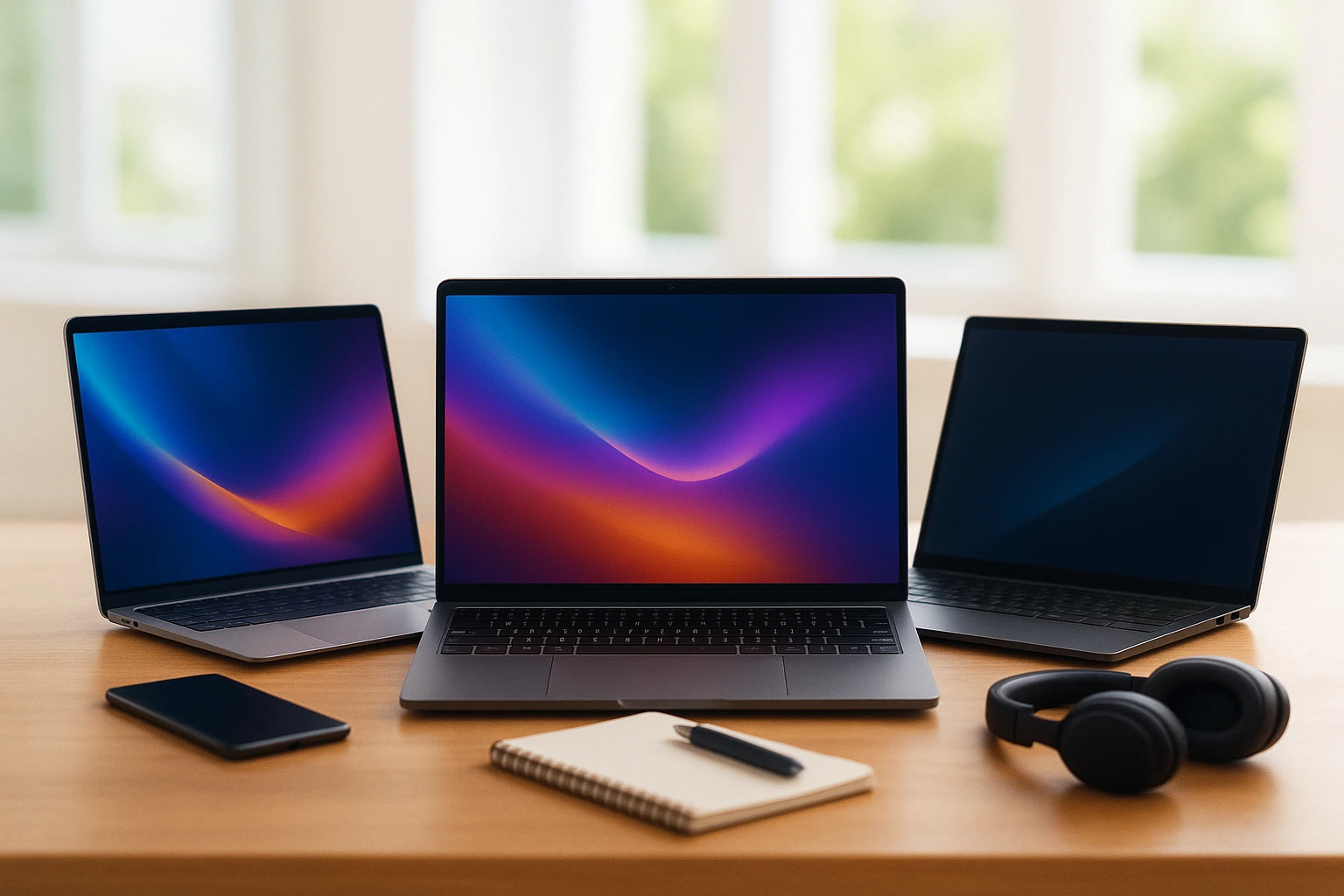
Laptops are part of daily life now. Whether you work from home, go to school, or travel often, having the right laptop helps you stay on track. But choosing the best one isn’t always simple. This guide shows you the top laptops for every need work, school, and travel. We picked laptops that are fast, easy to carry, last long on battery, and fit different budgets. You don’t need to spend a lot to get something good.
We focused on what really matters to everyday users. No matter where you are or what you do, one of these laptops will suit your routine. Keep reading to find the best choice for your lifestyle in 2025.
Why You Need a Laptop That Fits Your Life
Everyone uses laptops differently. Some need strong performance for work. Others want something light for school or travel. That’s why choosing the right device matters. The top laptops are built for specific needs speed for work, portability for school, and long battery life for travel. In the next section, we’ll show you the top laptops that match your lifestyle in 2025.
- Work laptops need speed, storage, and solid build.
- School laptops should be light, affordable, and easy to use.
- Travel laptops must be compact, with long battery life.
Choosing the right laptop doesn’t have to be hard. Whether you work, study, or travel, the top laptops listed here can help you stay productive and connected. Pick the one that fits your daily routine, and you’ll get the best value and performance in 2025.

Best Laptops For Work
If your job depends on your laptop, you need a device that can keep up. The best laptops for work offer strong performance, long battery life, and a comfortable keyboard for long hours. They’re made for multitasking, video meetings, document editing, and running business software without slowing down. Whether you’re working from home, in the office, or on the road, these laptops give you the speed, power, and reliability to stay productive and focused all day.
1. MacBook Pro M3 (14 or 16 inch)
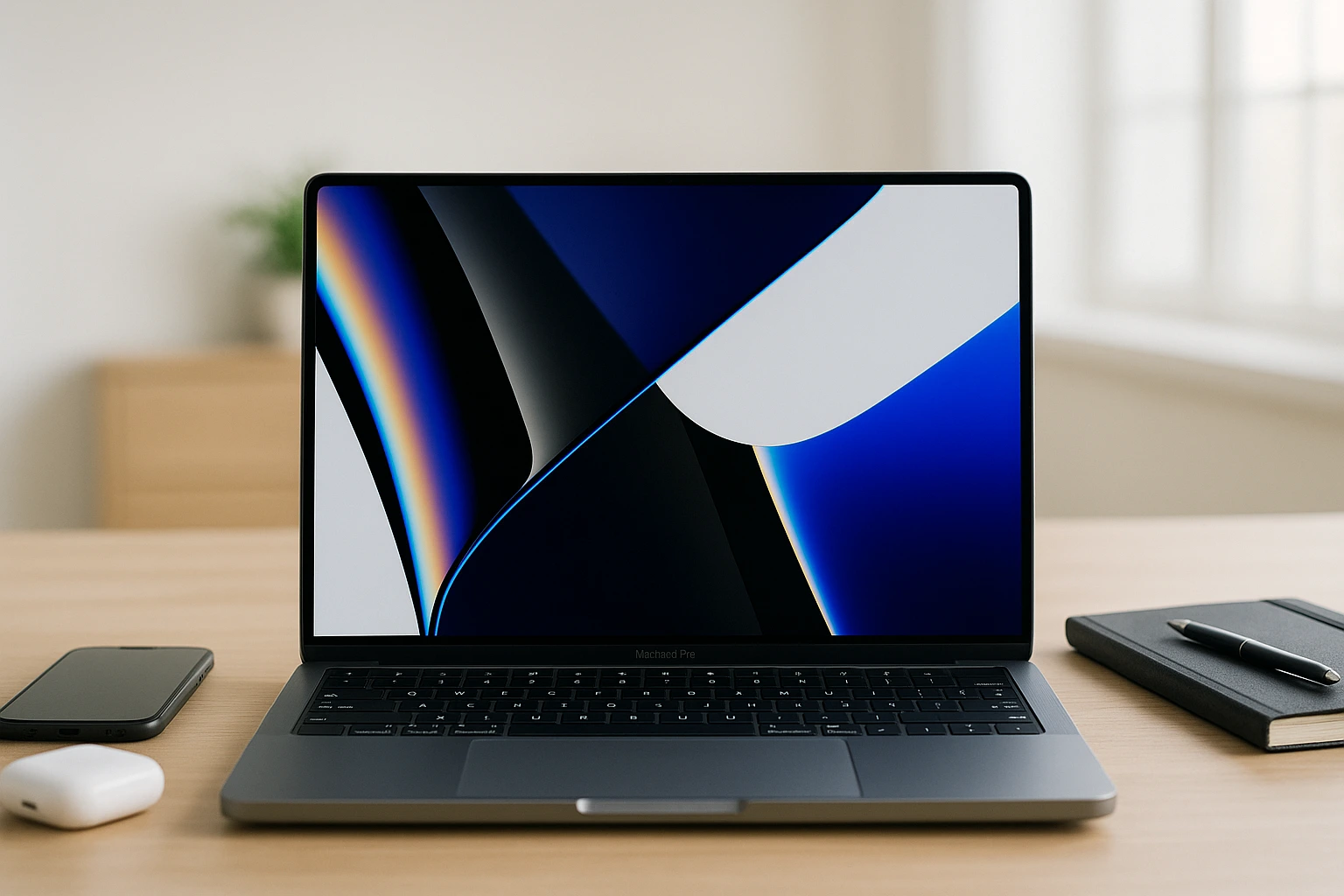
If you need a laptop that can handle demanding work, the MacBook Pro M3 is a smart choice. It’s designed for professionals who use creative tools, run heavy software, or multitask all day. With Apple’s M3 chip, it delivers speed, power, and long battery life making it one of the top laptops for serious work.
- Chip: Apple M3 or M3 Pro
- Battery: Up to 22 hours
- Display: 14” or 16”
- Storage: Up to 2TB
Why it stands out: It’s one of the most powerful and efficient laptops you can buy today perfect for anyone who needs speed and stability on the go. The MacBook Pro M3 handles video editing, app development, and multitasking without lag. Its quiet operation, premium build, and sharp display make it a favorite for professionals who need reliable performance every day.
2. Dell XPS 15 (2025)
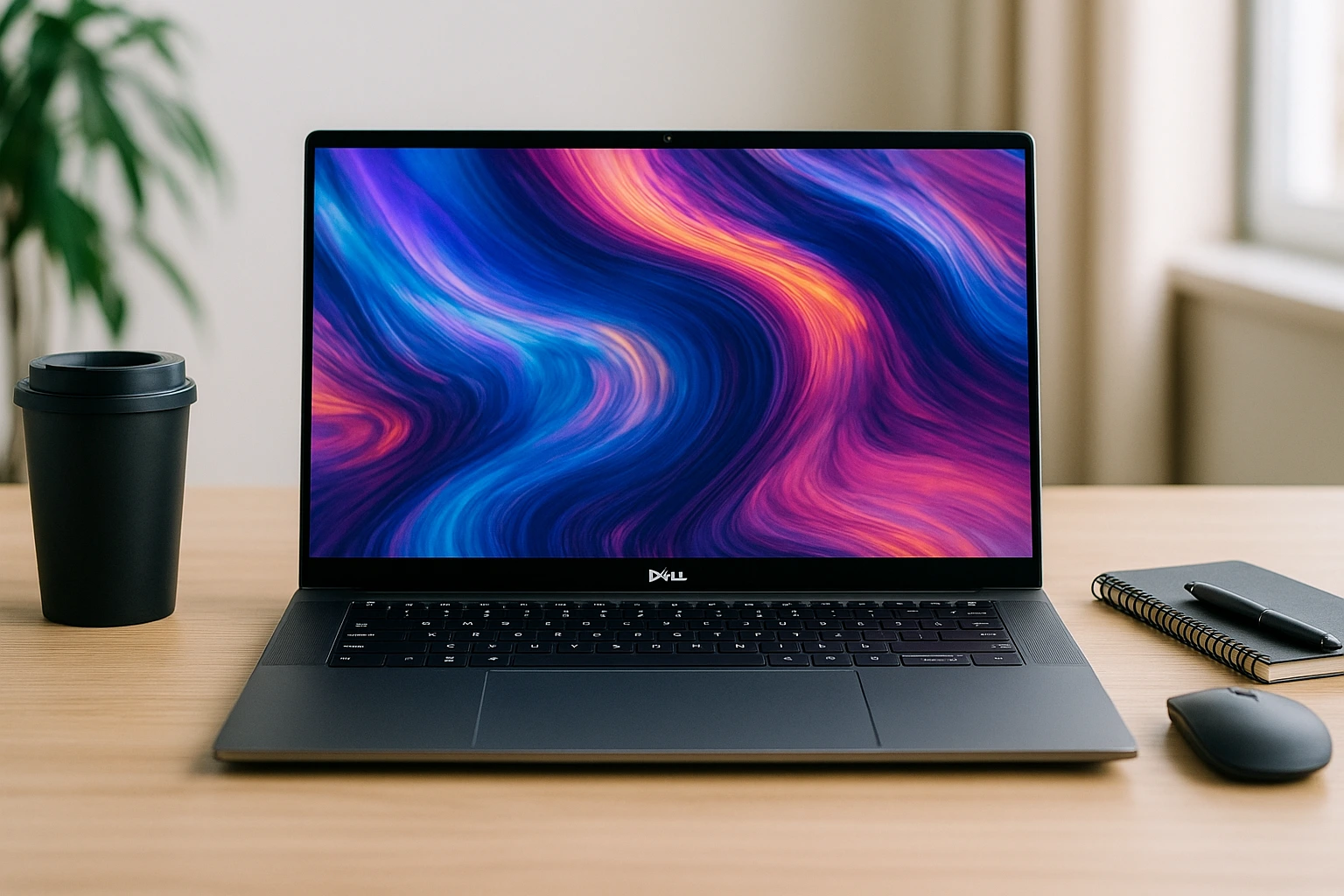
This is a Windows laptop with strong performance. It has a nice screen and works fast. If you use programs like Photoshop or Excel, it’s a good pick. It also handles video editing and multitasking without lag. The build is solid, the keyboard feels great, and the display is easy on the eyes.
- Processor: Intel Core Ultra 9
- Graphics: NVIDIA RTX 4050
- Display: 15.6″ OLED
- RAM: Up to 64GB
Why it stands out: It offers powerful specs inside a slim design, making it perfect for users who need speed and quality visuals in one device. You also get great speakers, long battery life, and smooth performance for heavy workloads. If you want a premium Windows laptop for work or creative tasks, this one checks all the boxes.
3. Lenovo ThinkPad X1 Carbon Gen 12
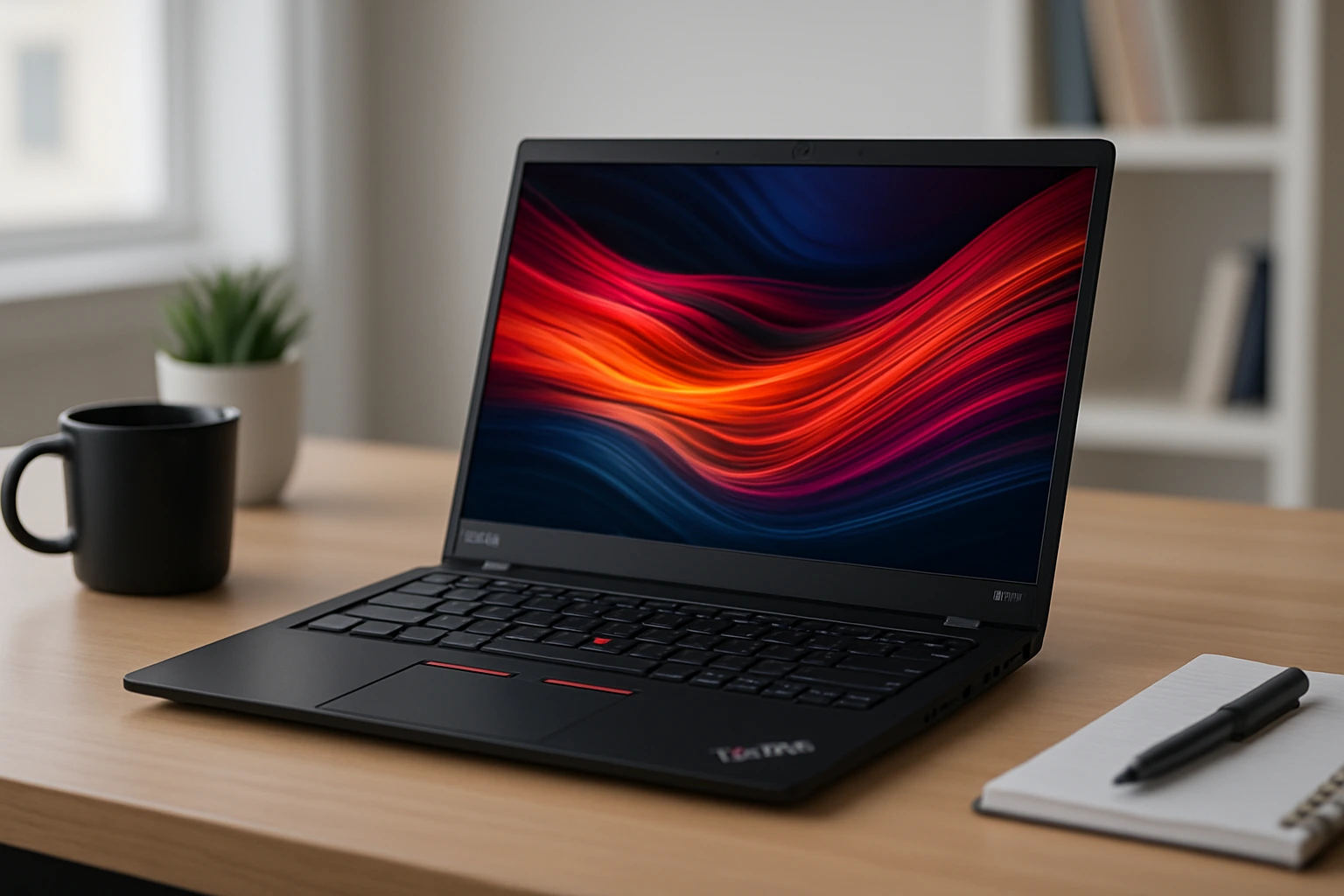
This laptop is light but strong. It’s great for office tasks and Zoom calls. Many big companies use it because it’s safe and reliable. It’s built to last, with military-grade durability, strong security features, and a comfortable keyboard. If you work long hours or travel often, this is one of the top laptops you can trust.
- Processor: Intel Core Ultra 7
- Battery: Up to 16 hours
- Display: 14”
- Weight: Around 2.5 lbs
Why it stands out: It’s fast, quiet, and secure—great for remote work, business trips, or daily tasks. The anti-glare screen, solid build, and long battery life make it ideal for professionals who need performance without extra bulk. If you want a no-fuss, high-quality work laptop, the X1 Carbon delivers every time.
Best Laptops For School
Whether you’re in high school or college, you need a laptop that’s easy to carry, simple to use, and strong enough to handle daily assignments. The best laptops for school are affordable, lightweight, and last all day on a single charge perfect for notes, research, or online classes.
1. HP Pavilion Aero 13
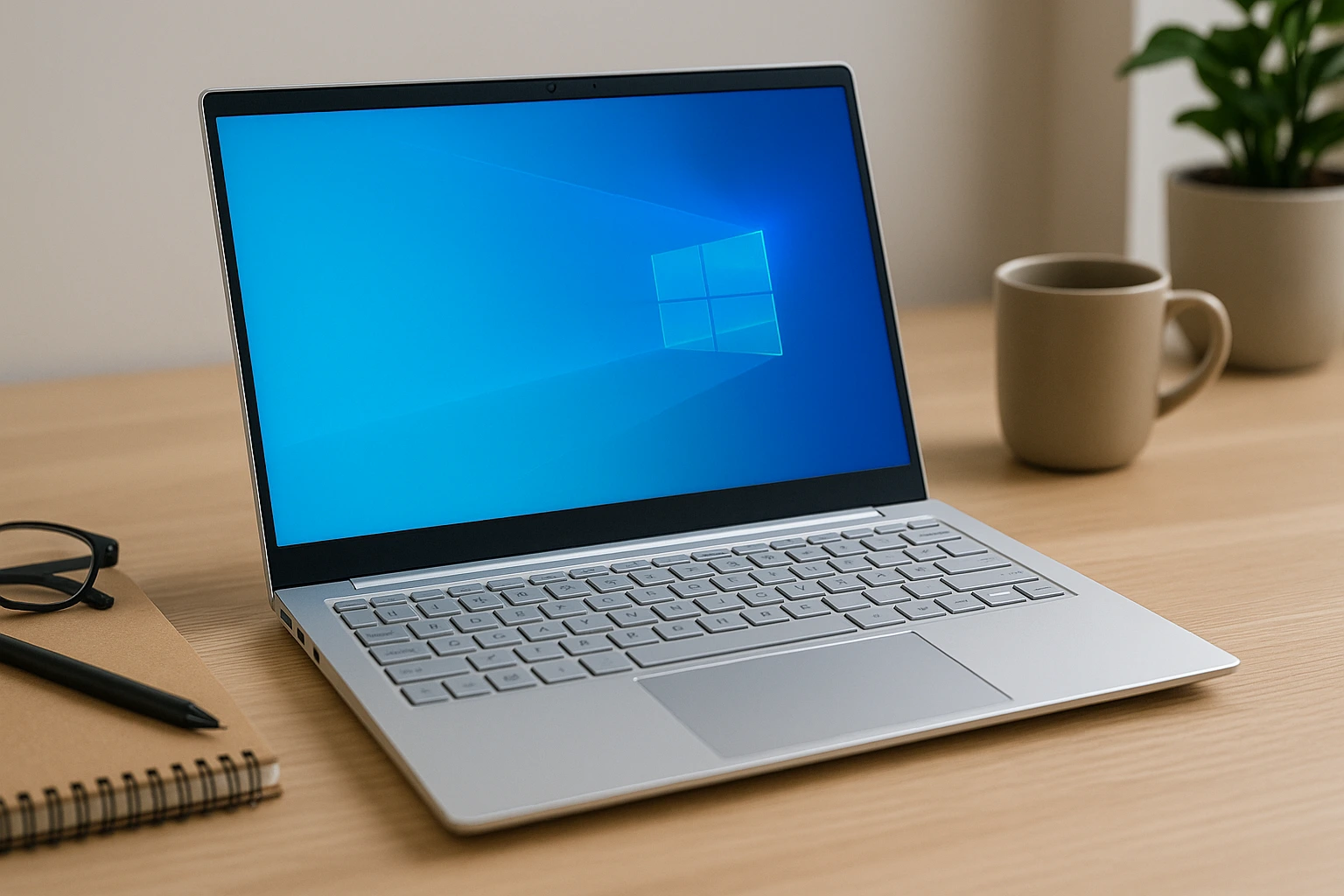
This laptop is small, light, and budget-friendly. It runs smooth and is good for writing papers, browsing, or watching videos. The Pavilion Aero 13 also has a bright screen and solid build quality, making it great for students who move between classes or study spots. It handles school tasks without slowing down and boots up quickly when you need it.
- Processor: AMD Ryzen 7
- Weight: Under 2.2 lbs
- Display: 13.3”
- Battery: Up to 12 hours
Why it stands out: It combines performance and portability at a great price. The lightweight design makes it easy to carry in a backpack, and the battery life can last through a full day of school. For students on a budget who want a laptop that doesn’t feel cheap, this is one of the top laptops to consider.
2. Microsoft Surface Laptop Go 3
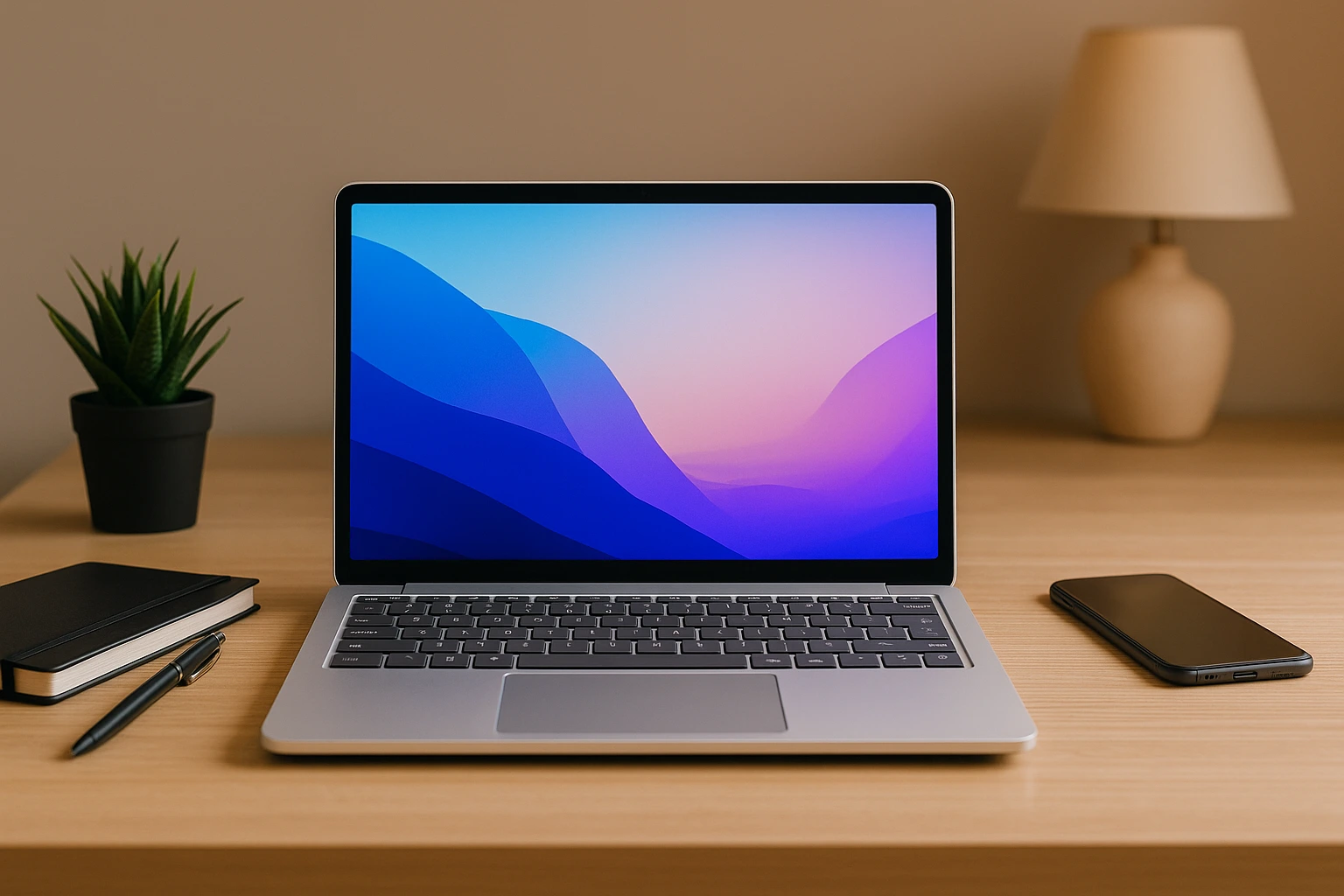
This laptop looks nice and works well for school. The touchscreen is easy to use. It’s light and easy to carry in a backpack. It also starts up fast and has a smooth Windows experience. The design is sleek and feels premium for the price, making it a popular choice for students. Whether you’re writing essays, attending virtual classes, or browsing the web, it gets the job done without slowing down.
- Processor: Intel Core i5
- RAM: 8GB
- Storage: 256GB SSD
- Display: 12.4”
Why it stands out: It’s stylish, compact, and perfect for everyday school use. The responsive touchscreen is great for quick notes or light drawing. Battery life is solid, and the keyboard is comfortable for typing assignments. For students who want a lightweight and modern laptop without spending too much, the Surface Laptop Go 3 is one of the top laptops in its class.
3. Lenovo IdeaPad Flex 5 (2-in-1)
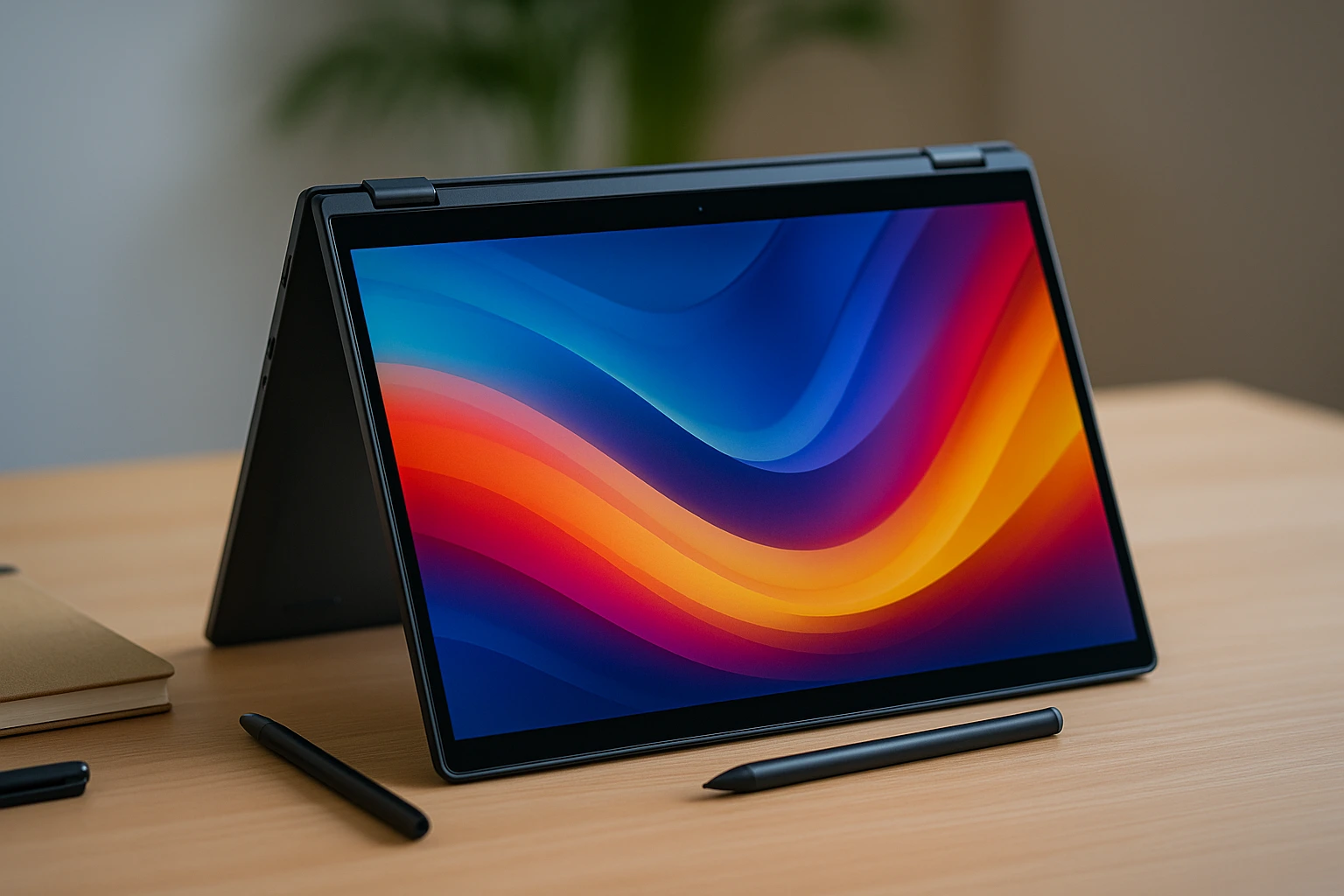
You can use this laptop like a tablet. It bends 360 degrees. Great for reading, drawing, or watching videos. The touchscreen is smooth and supports digital pens, making it ideal for students who take handwritten notes or sketch ideas. It’s powerful enough for schoolwork, streaming, and multitasking. With a full keyboard and flexible hinge, it adapts to different study environments—whether you’re at a desk, on the couch, or in class.
- Processor: AMD Ryzen 5
- RAM: 16GB
- Display: 14” touchscreen
- Battery: Up to 10 hours
Why it stands out: This is one of the top laptops for students who want a laptop and tablet in one device. It’s great for note-taking apps, reading PDFs, or video chatting in tent mode. The design is solid, and the performance is reliable for school tasks. If you want a budget-friendly 2-in-1 that does it all, the IdeaPad Flex 5 is a smart choice.
Best Laptops For Travel
If you’re always on the move, you need a laptop that’s light, strong, and dependable. The best laptops for travel are compact, easy to pack, and have long battery life. Whether you’re working from airports, hotels, or coffee shops, these laptops help you stay productive without slowing you down.
1. ASUS ZenBook S 13 OLED
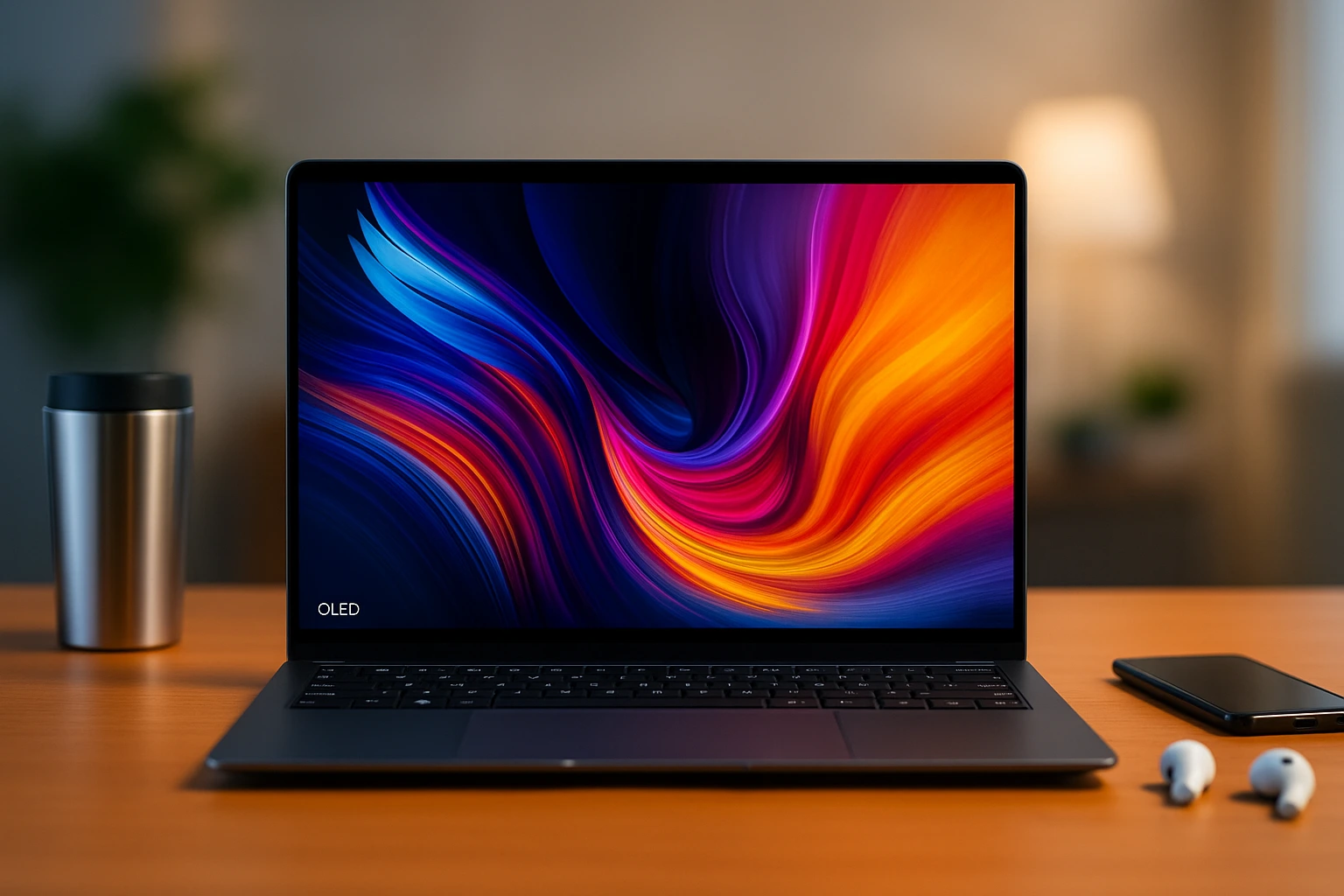
This laptop is thin, light, and looks great. It has a clear screen and long battery. Good for people who travel a lot and need a laptop that lasts. The OLED display is vibrant and easy on the eyes, even in bright settings. It boots up quickly, runs quietly, and handles daily tasks without problems. The slim build makes it easy to slip into a backpack or carry-on bag.
- Processor: AMD Ryzen or Intel Ultra
- Weight: Under 2.5 lbs
- Display: 13.3” OLED
- Battery: Up to 14 hours
Why it stands out: The ASUS ZenBook S 13 OLED is one of the top laptops for travel thanks to its lightweight design and beautiful screen. It’s perfect for working on the go, watching shows during flights, or editing photos while traveling. With strong performance and all-day battery life, it’s a great choice for remote workers or digital nomads.
2. LG Gram 14 (2025)
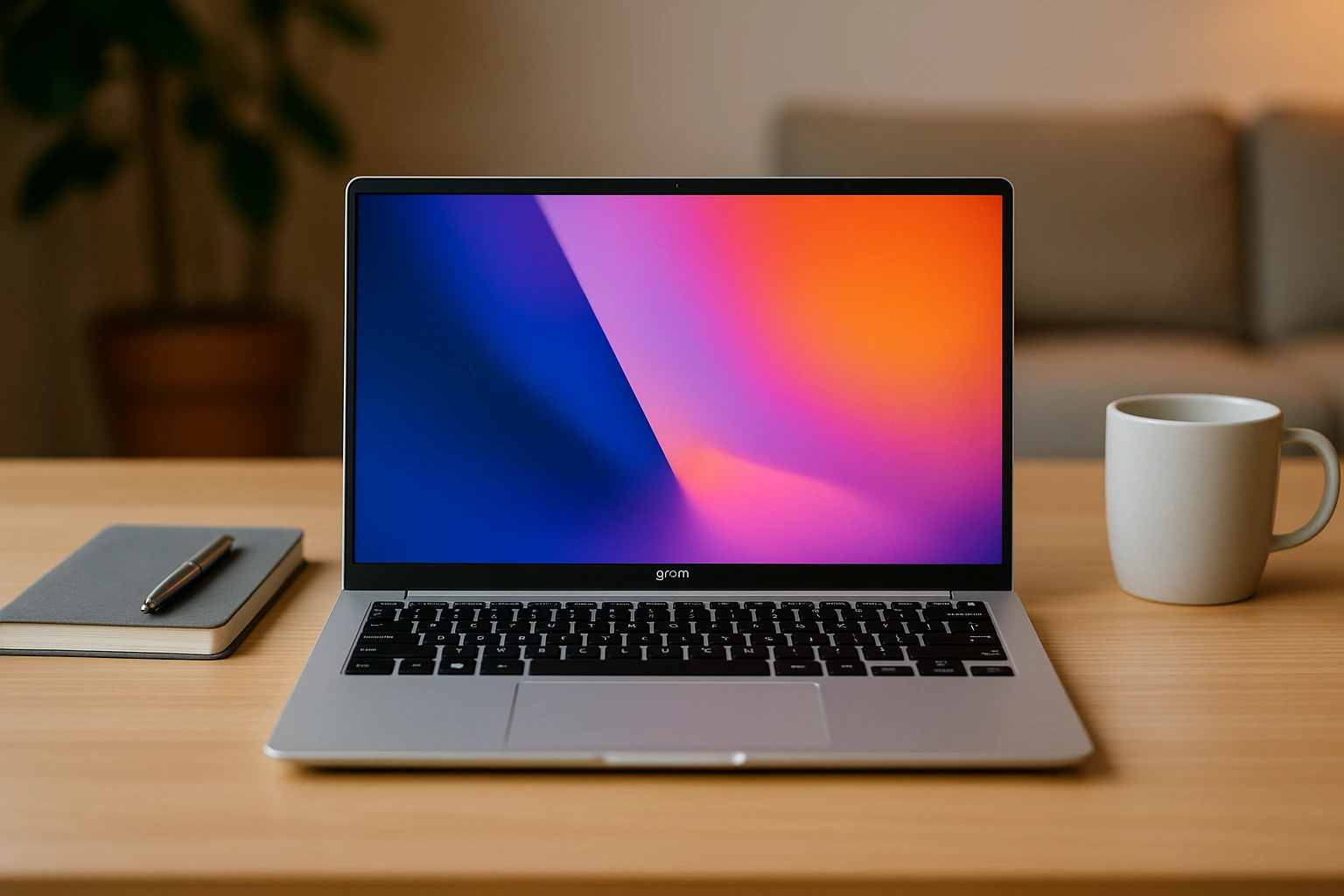
The LG Gram is super light. It still has a big screen and full keyboard. Great if you work while flying or in cafes. It’s easy to carry around all day without feeling heavy. Despite its weight, it delivers solid performance for everyday work, email, video calls, and multitasking. The 14-inch screen is sharp and bright, and the long battery life means you won’t be reaching for the charger all the time. It’s also built tough for people who travel often.
- Processor: Intel Core Ultra 7
- Storage: Up to 1TB
- Display: 14”
- Battery: Up to 25 hours
Why it stands out: The LG Gram 14 is one of the top laptops for people who want power without weight. It’s perfect for business travelers, students, or anyone who works remotely in different places. With an all-day battery and slim, durable frame, it delivers comfort and convenience on the go without compromising performance.
3. Acer Swift Go 14
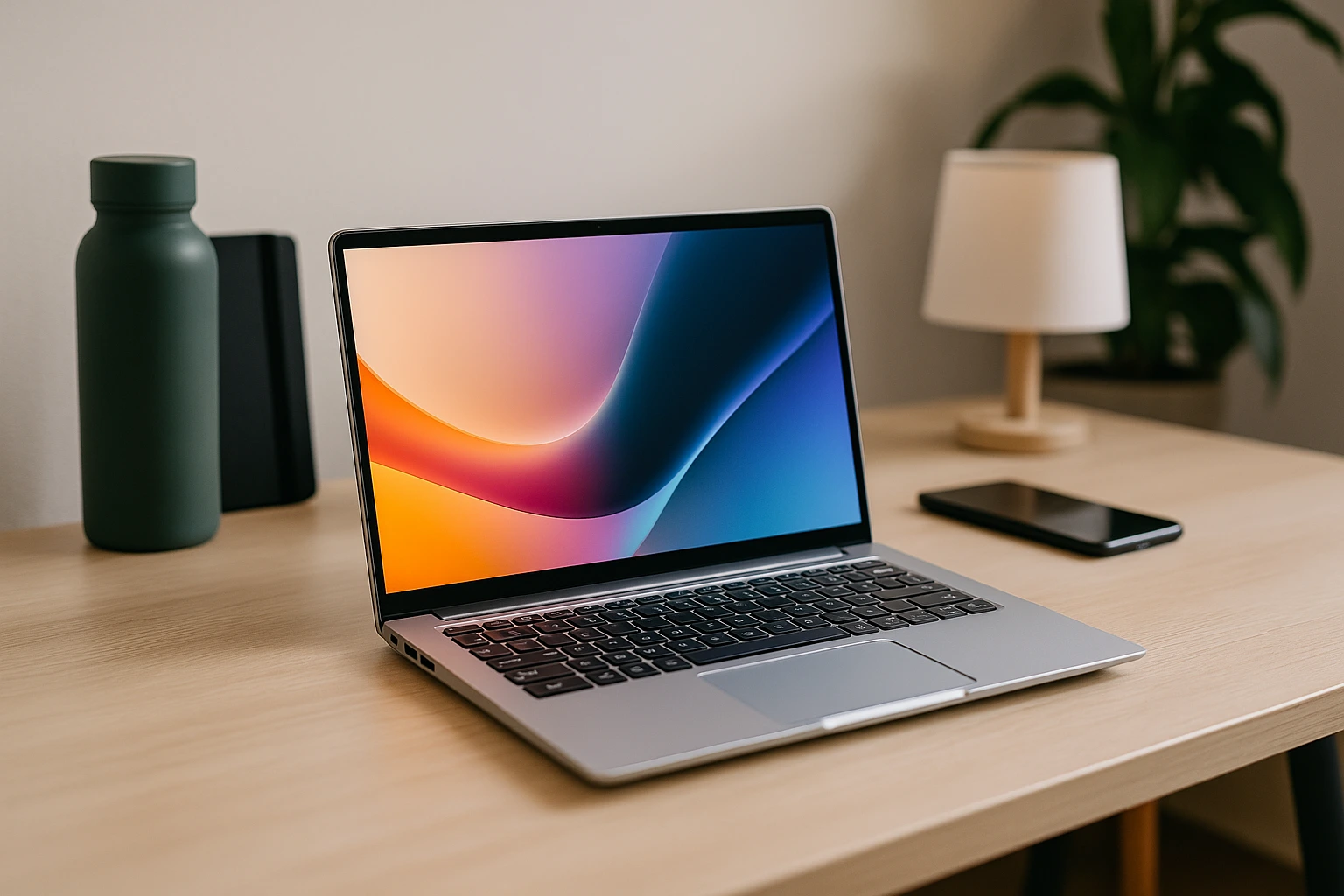
This is a budget laptop with strong features. It has a sharp screen and charges fast. Ideal for students or light travelers. The OLED display offers rich colors and sharp visuals, great for streaming, studying, or browsing. It boots quickly, runs quietly, and feels smooth during daily use. It’s also thin and lightweight, which makes it perfect for slipping into a backpack or travel bag. Despite the affordable price, it doesn’t cut corners where it matters most.
- Processor: Intel Core Ultra
- Display: 14” OLED
- Storage: 512GB SSD
- Battery: Around 12 hours
Why it stands out: The Acer Swift Go 14 is one of the top laptops if you’re looking for performance on a budget. It’s reliable, travel-friendly, and offers premium features like an OLED screen at a lower price point. Whether you’re working remotely, studying in a café, or just watching movies on the go, this laptop covers all the basics without breaking the bank.
Bonus Pick: All-in-One Laptop
MacBook Air M3 (13 inch)
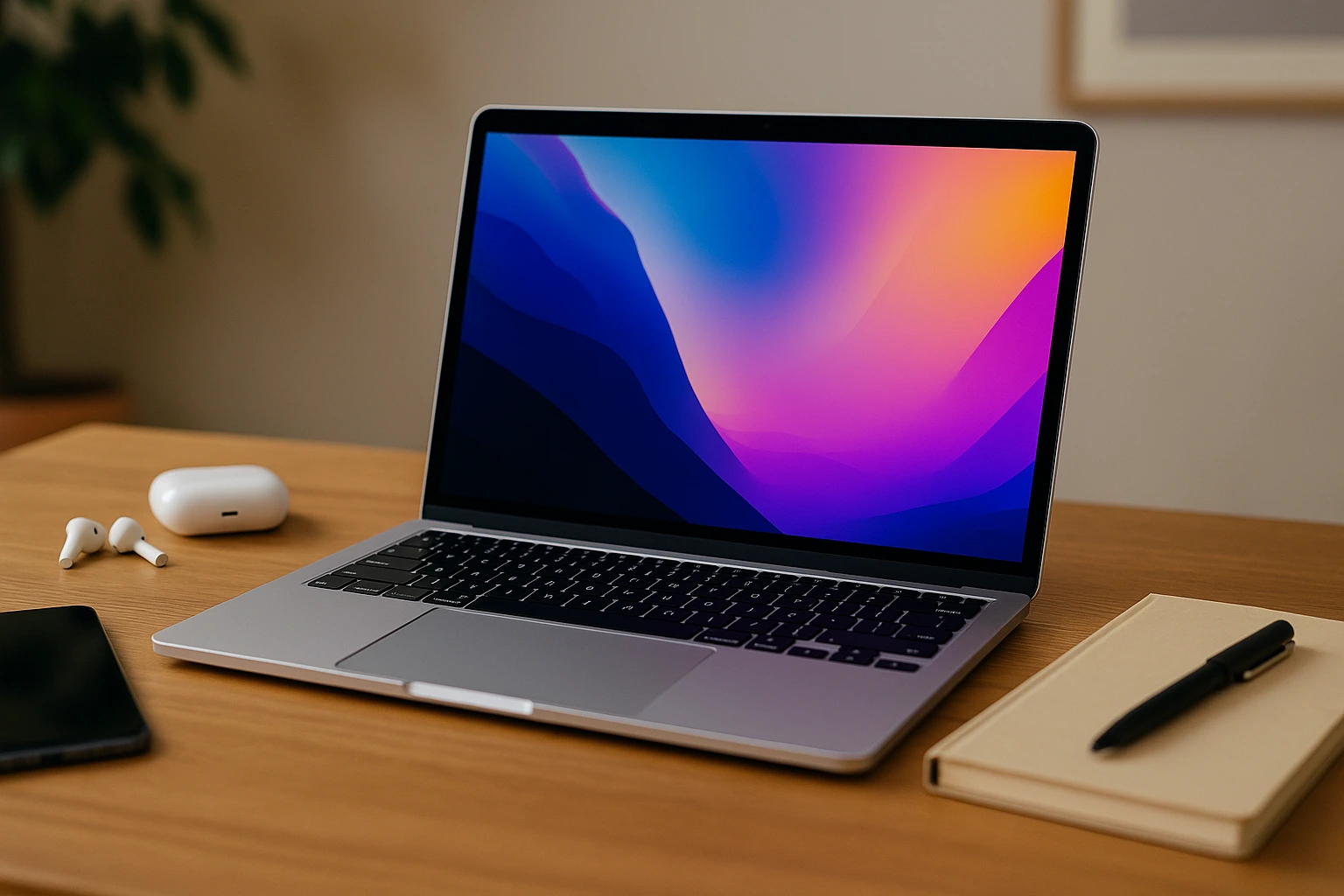
This laptop is perfect for many people. It’s light, quiet, and fast. Great for both work and school. It runs cool and has no fan. The MacBook Air M3 strikes a balance between performance and simplicity. It opens apps fast, handles multitasking with ease, and stays quiet even during long use. With its slim design and long battery life, it’s easy to carry and use anywhere whether you’re in a class, a coffee shop, or at home. It’s also great for FaceTime, web browsing, and watching videos.
- Processor: Apple M3
- Weight: Around 2.7 lbs
- Battery: Up to 18 hours
- Storage: Up to 2TB
Why it stands out: The MacBook Air M3 is one of the top laptops for all-around use. It’s fast enough for work, light enough for travel, and simple enough for students. The battery easily lasts all day, and the build quality is top-tier. Whether you’re typing documents or watching shows, this MacBook delivers a smooth, quiet experience without slowing down.
Acer Chromebook Spin 714
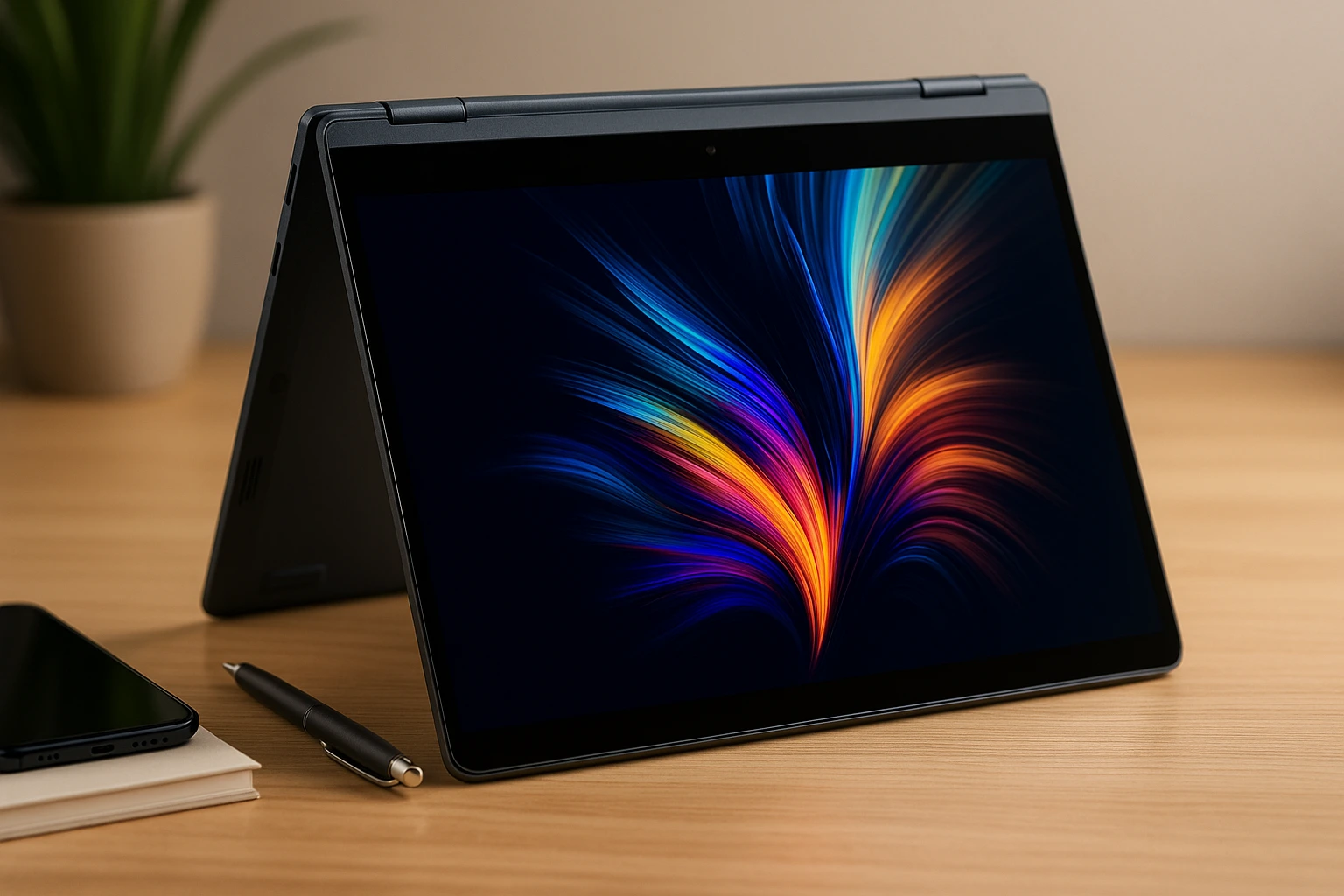
This Chromebook is simple and fast. It’s a good choice if you mostly use Google apps like Docs or Gmail. You can fold it and use it as a tablet too. It starts up in seconds, runs smoothly for browsing, and handles multiple Chrome tabs without slowing down. The touchscreen is responsive, and the 2-in-1 design makes it perfect for switching between typing and tapping. Its battery life easily lasts through a full day of school or casual use, and the build is solid enough to carry every day.
- System: Chrome OS
- Display: 14” touchscreen
- Battery: Around 12 hours
- Storage: 256GB SSD
Why it stands out: The Acer Chromebook Spin 714 is one of the top laptops for students who work mostly online. It’s great for Google Classroom, Zoom, YouTube, and cloud-based assignments. The flexible design makes it easy to use in any setup, whether you’re taking notes in tablet mode or typing essays. It’s lightweight, durable, and ideal for simple, web-focused tasks. Click here to visit for more details.
Quick Look Table: Top Laptops for Every Need
| Laptop | Best For | Type | Battery Life | Weight |
|---|---|---|---|---|
| MacBook Pro M3 | Creatives, Power users | Work | Up to 22 hours | ~3.5 lbs |
| Dell XPS 15 (2025) | Design, Dev work | Work | Up to 15 hours | ~4.2 lbs |
| Lenovo ThinkPad X1 Carbon | Office, Remote work | Work | Up to 16 hours | ~2.5 lbs |
| HP Pavilion Aero 13 | Students, Everyday tasks | School | Up to 12 hours | ~2.2 lbs |
| Surface Laptop Go 3 | Light use, Notes | School | Up to 13 hours | ~2.4 lbs |
| Lenovo IdeaPad Flex 5 | Tablet mode, Touch input | School | Up to 10 hours | ~3.3 lbs |
| ASUS ZenBook S 13 OLED | Lightweight, OLED screen | Travel | Up to 14 hours | ~2.4 lbs |
| LG Gram 14 (2025) | Long trips, Light carry | Travel | Up to 25 hours | ~2.2 lbs |
| Acer Swift Go 14 | Budget, Fast charge | Travel | Up to 12 hours | ~2.7 lbs |
| MacBook Air M3 | All-round use | Work, School, Travel | Up to 18 hours | ~2.7 lbs |
| Acer Chromebook Spin 714 | Google apps, Browsing | School, Light Use | Up to 12 hours | ~3.1 lbs |
How to Choose Your Laptop
Choosing the right laptop depends on how you plan to use it. Some people need power for work. Others want something easy to carry for school or travel. There’s no one-size-fits-all option. The best laptop for you is the one that fits your daily routine. In this section, we break down simple tips to help you find the top laptops that match your needs without wasting time or money.
Here are a few tips:
- For Work: Get a fast processor and plenty of RAM.
- For School: Look for light weight and good battery.
- For Travel: Choose small size and long battery.
- For Mixed Use: MacBook Air and ZenBook work for most people.
Think about your main tasks writing, video calls, editing, or just browsing. Then choose a laptop that does those things well without adding features you don’t need. A good laptop should make life easier, not more complicated.
FAQs: About Laptops for Every Need
1. Which laptop is good for video calls and meetings?
Lenovo ThinkPad X1 Carbon has a sharp webcam and great mic.
2. What’s a good budget laptop under $600?
Acer Swift Go 14 offers strong performance at a low price.
3. Which laptop is best for writing and documents?
MacBook Air M3 and Surface Laptop Go 3 are both great for typing and simple work.
4. Can I use a Chromebook for work?
Yes, if your work is mostly online. Try Acer Chromebook Spin 714.
5. Are 2-in-1 laptops good for studying?
Yes. Lenovo IdeaPad Flex 5 is great for taking notes and reading.